The Ultimate Guide to Digital Flashcards: Hack Your Brain and Study Smarter

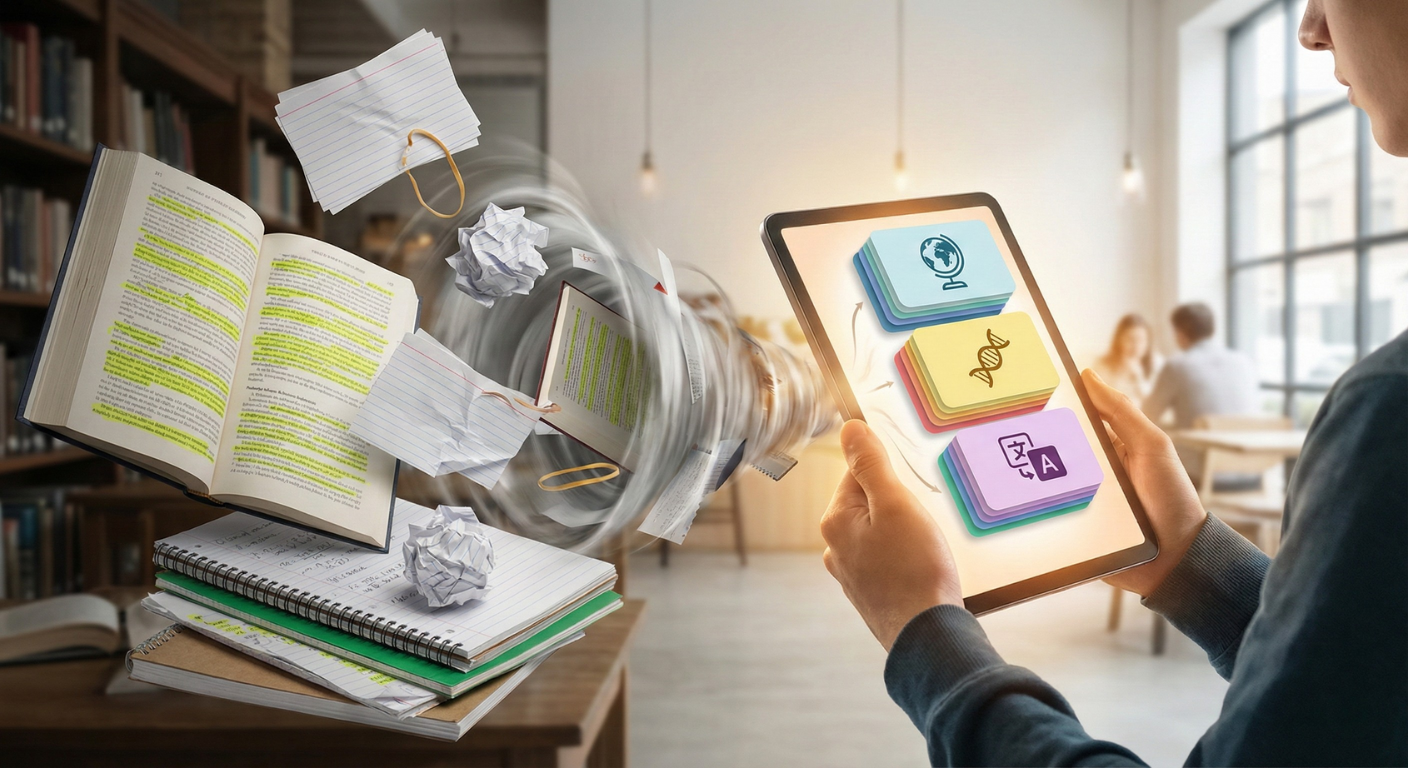
Have you ever spent hours staring at a textbook, highlighting until the pages were neon yellow, only to blank out the moment you looked at an exam question?
It is a frustrating reality that almost every student faces: re-reading is not learning.
In our modern world, we are bombarded with information. We scroll through feeds, skim articles, and nod along in lectures. We mistake the feeling of familiarity with actual mastery. Most students confuse “recognition” with “recall”. When you re-read a page, you recognize the information because it’s right there in front of you. But when you have to explain it from memory without looking, you often struggle.
This is where digital flashcards come in.
Gone are the days of messy index cards, paper cuts, and rubber bands. Today, smart learners use digital decks to master massive amounts of information in half the time. Whether you are learning a new language, studying for the Bar exam, or mastering medical terminology, digital flashcards are the tool you need.
In this comprehensive guide, we will break down the science behind flashcards, introduce advanced techniques like Spaced Repetition, and show you how to use digital tools to maximize your results.
Why Flashcards Work: The Science of Memory
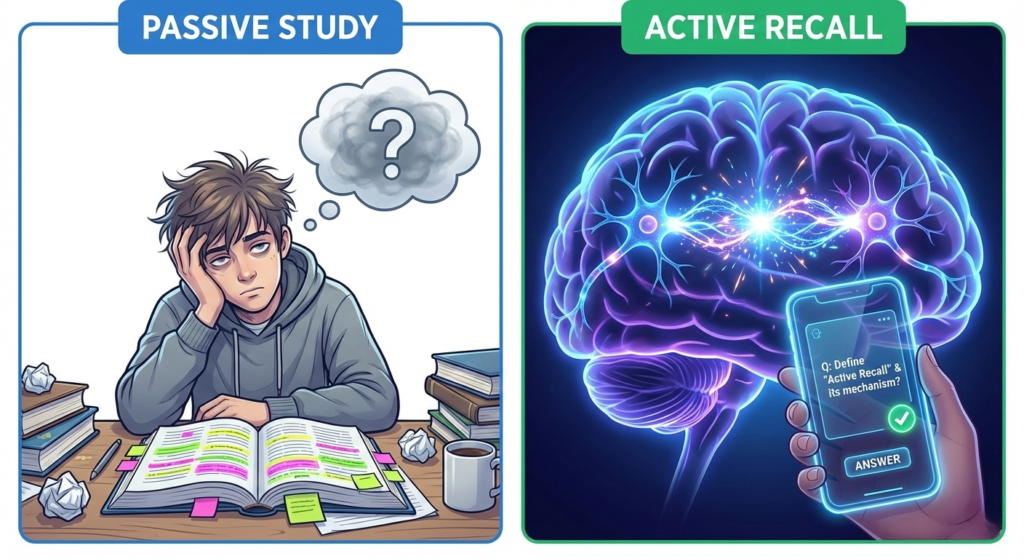
To understand why digital flashcards are so effective, we have to look at how the human brain stores data. It comes down to two key cognitive science concepts: Active Recall and The Forgetting Curve.
1. Active Recall (The “Testing Effect”)
Most study methods are passive. You listen to a podcast, you watch a video, or you read a chapter. Your brain is basically coasting, letting the information wash over you. This feels easy, which is why we like it, but it results in low retention.
Active Recall is the opposite. It is the act of forcing your brain to retrieve information without looking at the answer.
When you see a prompt on your screen and struggle to remember the flip side, your brain is firing neurons to build a bridge to that memory. This process creates what psychologists call “desirable difficulty”. It feels hard to do, but that struggle is the sensation of learning happening. Every time you successfully recall an answer, that neural bridge gets stronger. It’s like lifting a weight for your brain.
2. Beating the “Forgetting Curve”
In the 19th century, psychologist Hermann Ebbinghaus discovered that humans forget information at a predictable rate. His research was grim: without review, we lose approximately 50% of new information within one hour and 70% within 24 hours.
However, his research also found a solution: Spaced Repetition.
By reviewing information just as you are about to forget it, you reset the curve. Each time you review, the forgetting curve flattens, meaning you remember the information for months or years instead of days. Digital flashcard apps are the best tool to automate this process so you never have to guess when to study again.
Why Go Digital? The Power of Smart Study Tools
While physical index cards have their charm, digital flashcards offer distinct advantages that modern learners can’t ignore. The leap from paper to pixel isn’t just about convenience; it’s about leveraging technology to enhance human biology.
Study Anywhere, Anytime
The biggest enemy of studying is logistics—”I didn’t have my notes with me.” When your flashcards are on your phone or laptop, your entire study deck is always in your pocket. You can review cards while waiting for coffee, riding the bus, or between classes. This turns “dead time” into productive learning sessions.
Automatic Scheduling (Spaced Repetition Systems)
With paper cards, you have to manually organise them into boxes or piles to practise spaced repetition. It is tedious and error-prone. Digital apps use smart algorithms to track your performance. The app knows exactly which cards you are about to forget and serves them up at the perfect moment. You focus purely on learning, not logistics.
Multimedia Learning
Text isn’t always enough. One of the biggest advantages of digital flashcards is the ability to engage multiple senses, a concept known as Dual Coding.
- Visuals: You can include high-resolution images for anatomy, maps for geography, or even charts for data analysis. The brain processes images 60,000 times faster than text.
- Audio: You can embed audio clips for language pronunciation, musical notes, or even bird calls. Hearing the information while seeing it creates a stronger memory hook.
- Interactivity: Some platforms allow you to input code snippets or formulas that can be copied and pasted, making them invaluable for STEM subjects.
5 Golden Rules for Making Perfect Digital Flashcards
Even with the best app, poorly written cards will slow you down. The quality of your learning is directly related to the quality of your cards. Follow these five rules to maximise your efficiency.
1. The “One Bit” Rule
Never put more than one fact on a card. This is the most common mistake students make. If you ask “What are the three branches of government?” and you can only remember two, you have to mark the whole card as “wrong”, even though you knew most of it. This destroys your motivation and data accuracy.
- Bad: List the causes of WWI.
- Good: What assassination event sparked the beginning of WWI?
2. Use “Cloze Deletion” (Fill in the Blanks)
This is the fastest way to create digital cards. Instead of writing a complex question, write a sentence and delete a key word.
- Example: “The powerhouse of the cell is the __________.” This helps you learn the context of the answer, not just isolated facts. It trains your brain to recognize how the information fits into the bigger picture.
3. Keep Answers Short
Your brain prefers quick bites of information. The answer should be readable in less than 2 seconds. Avoid pasting long paragraphs. If you need a long explanation, keep a textbook handy, but use the flashcard to trigger the memory, not to teach the whole lesson.
4. Say It Out Loud
When you tap to reveal the answer, read it out loud. This utilizes a “production effect”—you are seeing the text and hearing your voice say it. This doubles the memory encoding compared to silent reading. It is particularly effective for language learning.
5. Leverage Images and Audio
Since you are using a digital platform, go beyond text. Upload diagrams to label, add sound effects for memorization, or use memes to make difficult concepts funny and memorable. Visual associations are often stickier than text alone. For example, if you are learning a bird’s name, include a photo of the bird. If you are learning a language, include an audio clip of a native speaker pronouncing the word.
3 Common Flashcard Mistakes to Avoid
Even with great digital tools, you can sabotage your progress with these bad habits. Avoid these traps to ensure your study time is well spent.
1. Recognizing vs. Recalling (The Illusion of Competence)
This is the silent killer of flashcard study. If you flip a card and say, “Oh yeah, I knew that,” but you didn’t actually say the answer before flipping, you are cheating yourself. You must articulate the answer (internally or externally) before you reveal it. If you can’t say it, you don’t know it. Don’t let your eyes fool your brain.
2. Stacking the Deck
Don’t just skim through the easy cards because it feels good. It feeds your ego but hurts your grades. It is tempting to fly through a deck and feel productive, but real learning happens when you slow down and focus on the difficult cards. Trust the algorithm—it will bring back the hard ones until you master them.
3. Cramming vs. Consistency
Doing 500 cards in one sitting (cramming) is less effective than doing 50 cards a day for 10 days. Your brain needs sleep to consolidate memories. Cramming puts information into short-term memory; spaced repetition puts it into long-term memory. Consistency always beats intensity.
Pro Tip: Try Interleaving
Once you have mastered the basics, try a technique called Interleaving. Instead of studying one single subject for 2 hours (e.g., only Biology), mix up your subjects. Do 10 minutes of Biology, then 10 minutes of history, then 10 minutes of Spanish.
This forces your brain to constantly reload different contexts and “rulesets”, which strengthens neural connections further. It feels harder at the time, but research shows it leads to better long-term retention and transfer of skills.
Conclusion: Start Small
Digital flashcards are the closest thing we have to a “study cheat code”. They force your brain to work, optimise your time with smart algorithms, and turn short-term memory into long-term mastery.
You don’t need to overhaul your whole life today. Just try this: Dedicate 15 minutes a day to digital flashcard review.
Don’t worry about making a massive deck right away. Start with ten concepts. Master them. Then add ten more. The results will speak for themselves.
Good post